
Understand your wins and daily brief
Every morning you see what actually happened for your music and the one thing worth doing today, and you can tell which wins Musuni earned and which it only spotted.
What this gets you
A manager's morning note instead of a dashboard: "a curator replied to your pitch, 2 playlist adds spotted, today: draft your editorial pitch". Plus a running list of real outcomes for the month, so on a bad week you can see the work is landing.
When to use it
Every time you open the app. The welcome page is where both live. Read the brief first, act on the "Today" line, then get on with your day. The wins list is for the end of the month, for a manager or label conversation, and for the days you doubt it is working.
Do it
- Open Musuni. The welcome page opens with Today's briefing at the top. If there is nothing worth saying, the card does not appear at all.
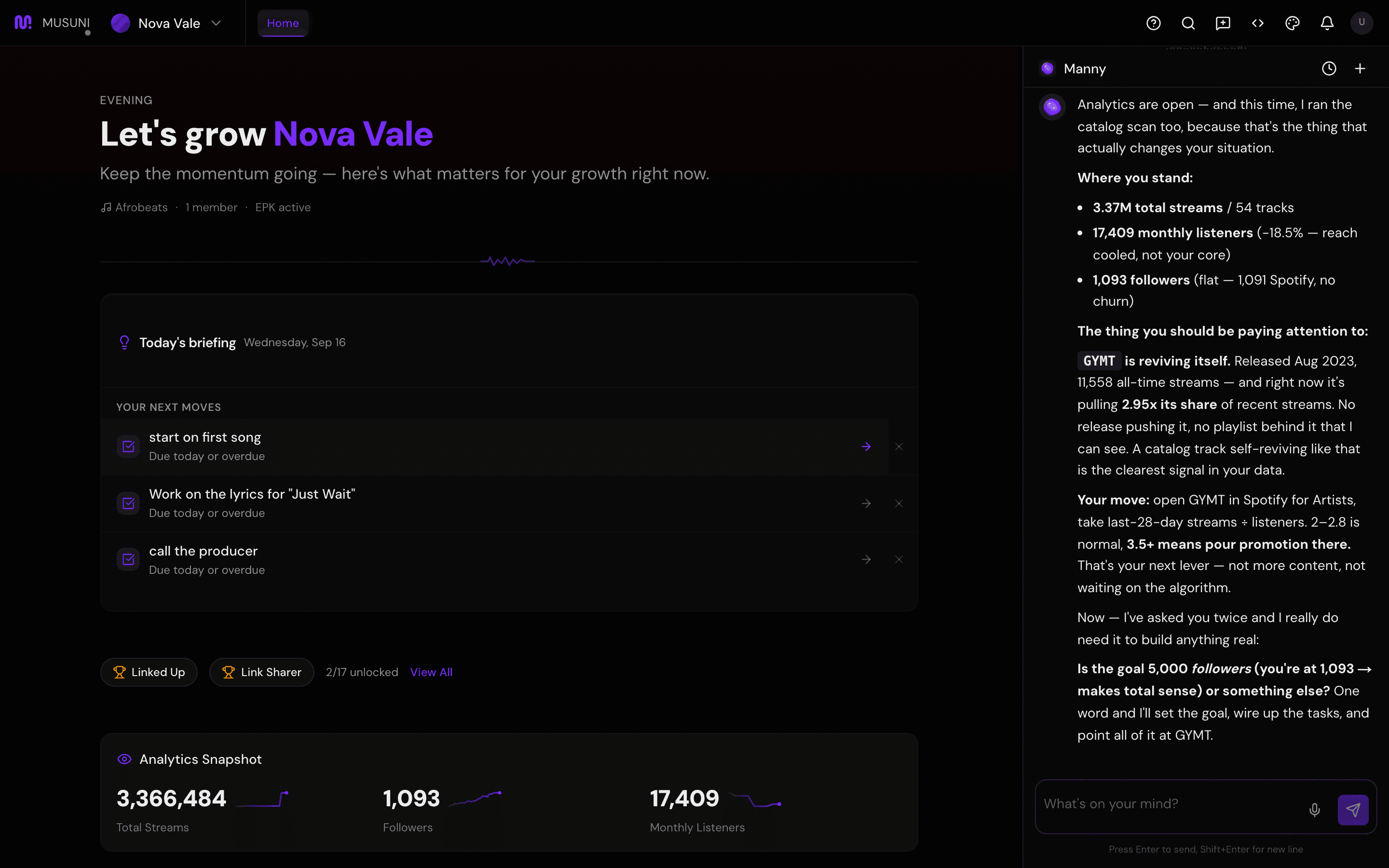
- Read the headline. It leads with an outcome when there is one ("[Artist]: A curator replied to your pitch"), otherwise with followers or streams from the last 24 hours.
- Read the line under it. It is written in a fixed order: wins first, then "Today: [one action]", then streams, followers, posts going live, tasks due, and insights to check. A quiet day says so: "Quiet day for [Artist] - good time to plan content or update your press kit."
- Click an insight row to hand it to Manny ("tell me more") or click an action to open the workspace it belongs to. Dismiss the brief with the X ("Dismiss today's brief") once you have acted on it.
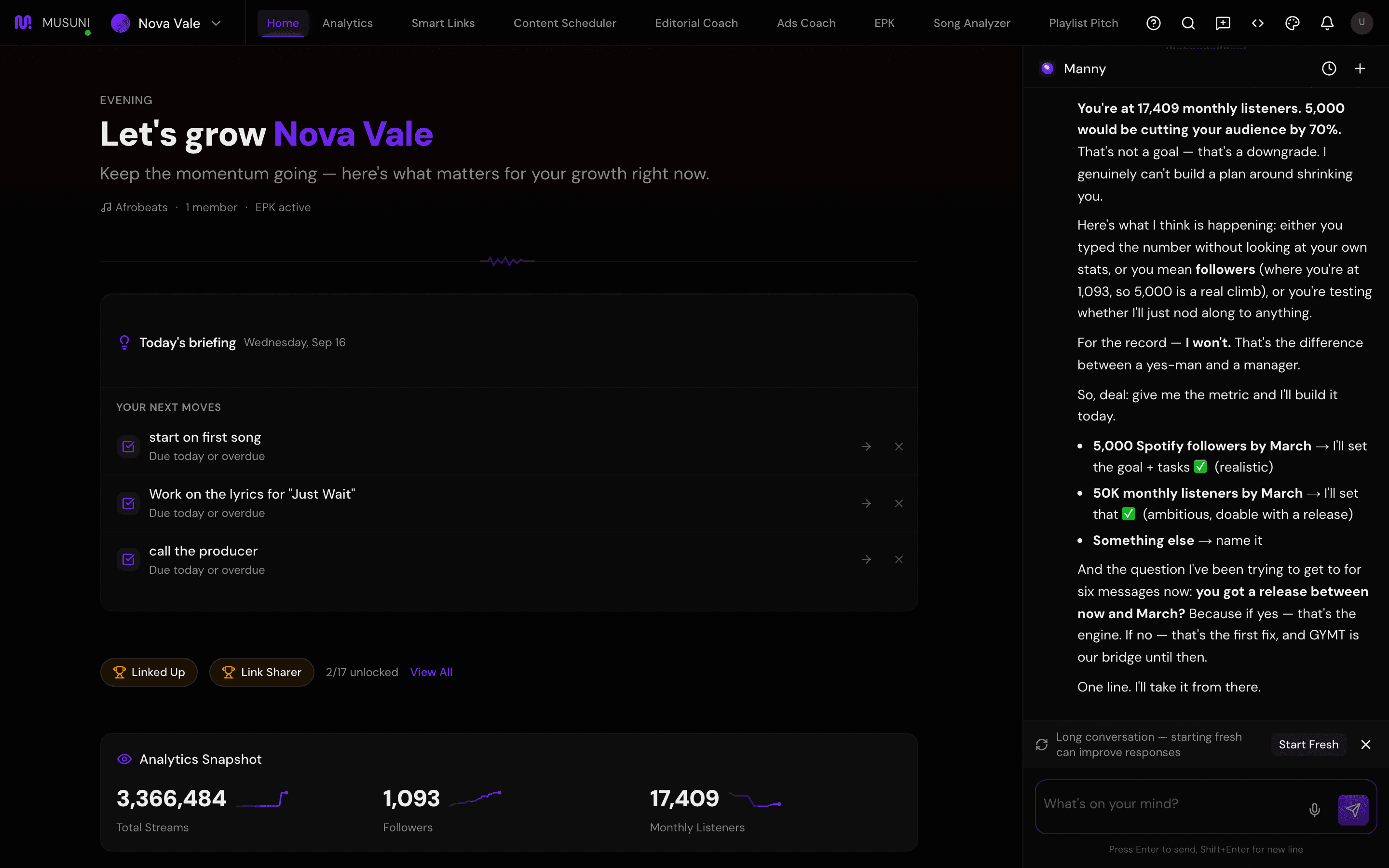
- Scroll to This month with Manny. The right side reads "N won · N noticed". Up to three recent wins are listed with a colored dot.
- Read the dot: green means won, a result Musuni caused and can claim (a curator replied or placed you, a venue answered your pitch, a fan joined your email list through your pages). Purple means noticed, a real win Musuni spotted but did not cause (a playlist add found in the wild). Grey means an assist, work that got done for you (posts published on schedule, or how many people they reached).
- Click the share icon on a win ("Share this win") to get a card you can post.
- Turn on push notifications under Settings, Notifications, if you want the brief on your phone as well as the welcome page.
Let Manny do it
"What's my briefing today?" reads the morning brief in the chat. "Show my wins" lists the month's outcomes and says which are won, noticed or an assist. "What happened this week?" combines both with your analytics alerts. If you are looking at an insight and want the why, "tell me more about [the insight]" opens it up.
Manny wrote the brief. It is built from the same data Manny reads, so it will not contradict what the chat says.
What it cannot do
- The brief is generated once a day in the morning. Something that happens at noon shows tomorrow, unless it is urgent enough to be an alert.
- "Noticed" wins are never claimed as Musuni's doing, and the brief never inflates them. If your only win was a playlist add nobody pitched, the brief says "spotted in the wild", nothing more.
- Wins come from what Musuni can see: pitches sent from here, venue campaigns run from here, fans who signed up through your pages, posts scheduled here, playlist adds the sources caught. A licensing deal you closed by email is not on the list unless you log it.
- The wins card shows the last 30 days and the top three. There is no full ledger screen yet; ask Manny for the rest.
- Streams that dipped are framed as normal fluctuation. That is deliberate; the brief is not a stock ticker.
- Old briefs and alerts are cleared after a few days. The brief is for today, not a diary.