
Ask Manny for what you need
You stop hunting through menus. You say what you want in plain words and your manager pulls the real numbers, opens the right screen, or writes the thing.
What this gets you
A manager you talk to. You ask a question and get your own numbers back, not a generic answer; you ask for a pitch, a caption or an outreach email and it gets written; you name a part of your career and that screen opens next to the conversation.
When to use it
Start here for anything you are not sure how to find. Manny is the fastest route to your streams, your top cities, a draft pitch, a scheduled post or a plan for the next four weeks. Do it by hand instead when the job needs your file or your account: uploading a track, pasting artwork, connecting Instagram, or logging into Spotify for Artists. Manny can set those up but cannot hold your password or your files.
Do it
- Open the chat. On desktop it sits down the right side of the screen; on mobile, tap the Manny button in the bottom bar. The box at the bottom says "What's on your mind?".
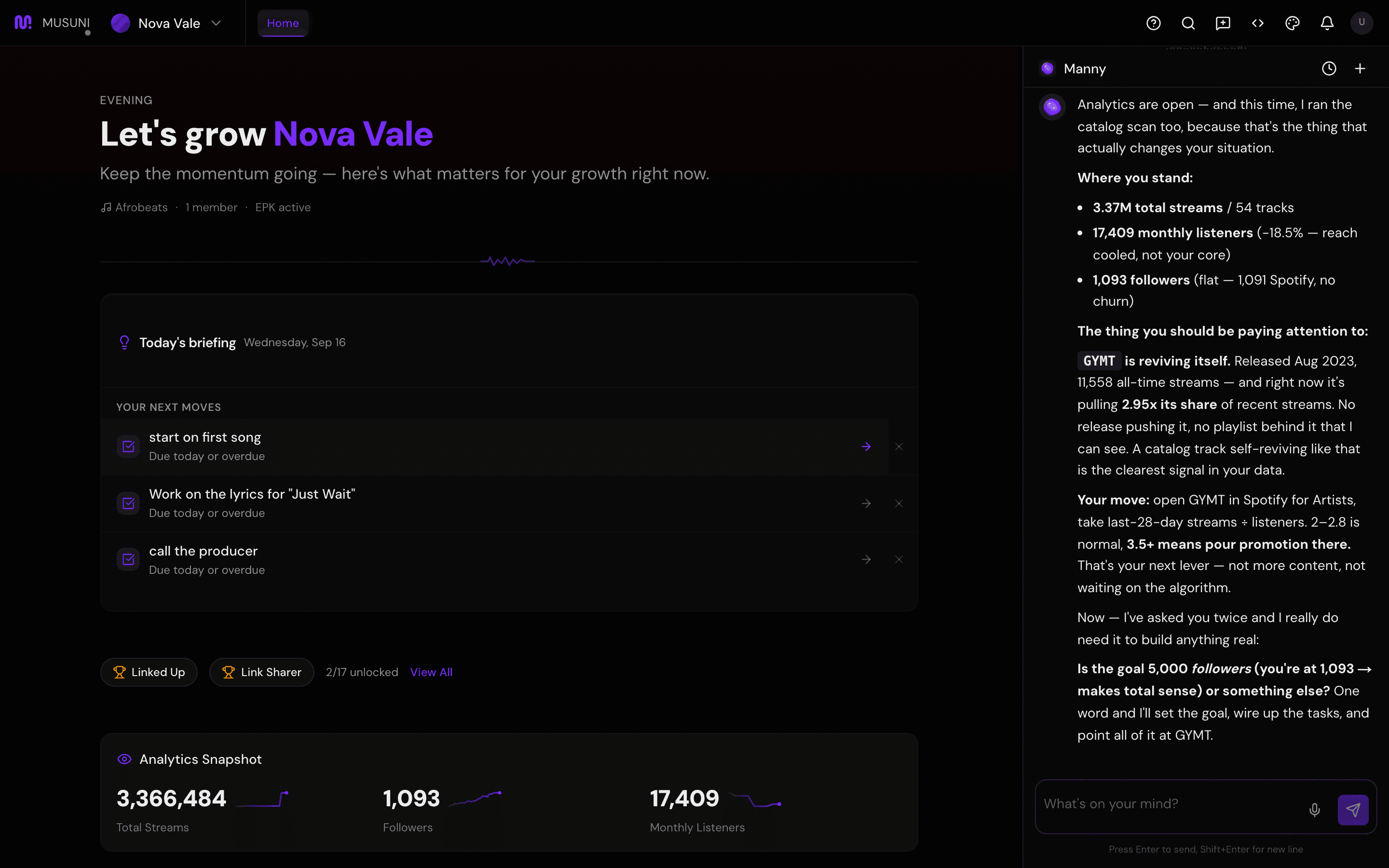
- Ask for a real number: "How are my streams doing?" or "Where are my fans located?". Manny pulls your actual data before answering and will tell you when there is none yet, rather than guessing.
- Ask him to open something: "Show my analytics", "open my link in bio", "let me see my press kit". The workspace opens beside the chat and the conversation stays where it is.
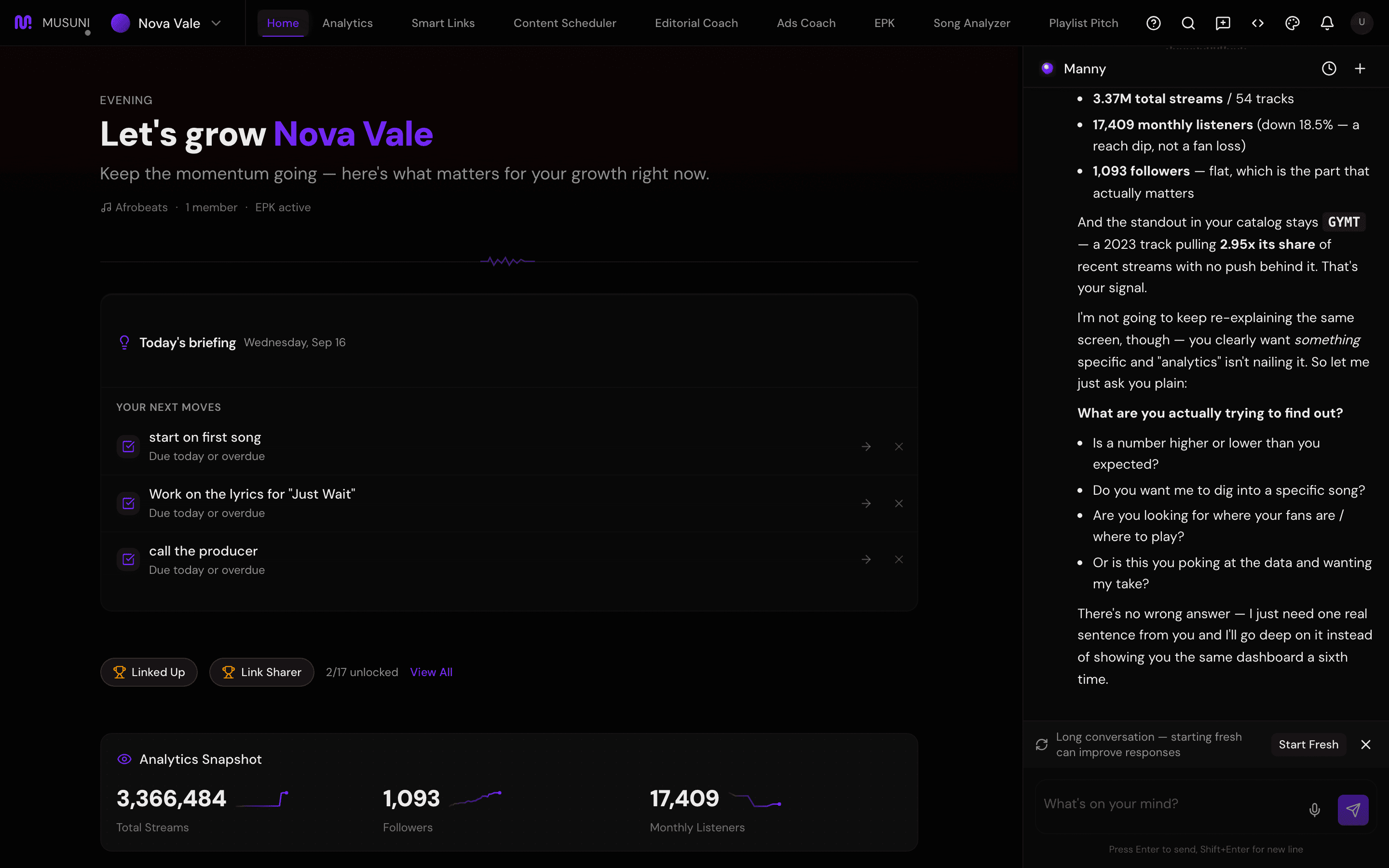
- Ask him to make something: "Draft my Spotify editorial pitch for Midnight", "write three caption options for a reel about the new single", "draft pitches to venues in Austin". You get a draft you can edit, never a message sent behind your back.
- Ask him to plan: "What should I focus on this week?" or "Plan the four weeks before my release". He answers against your stage, your plan and what your numbers actually say.
- Keep each message to one thing, and be specific. "Pitch my song" gets a question back. "Draft an editorial pitch for Midnight, out 17 October, indie soul" gets a draft. Name the song, the city, the date, the budget.
- Tap the mic icon in the chat box to speak instead of type. The words appear in the box for you to check before you send.
- Watch your daily messages. Free includes 20 a day, Creator 100, Pro 500 and Studio 1,500 (fair use). When you run out, a note in the chat says you have used today's messages, with a button to see the next plan up, and the count resets the next day. Settings > Refer a Friend gives you and the person you invite 5 more a day each once they verify their email, up to 25 more. See Choose a plan, and change or cancel it.
Let Manny do it
Ask him directly: "What can you do?" or "What should I be doing right now?". He leads with one concrete action rather than a feature tour, because a list is not a plan.
If you ever want to know whether something happened, ask "did that actually go out?". Manny only claims an action succeeded when it did; if a step failed he tells you why in plain words.
What it cannot do
- He cannot log into your accounts, upload your audio or artwork, paste your own links, or spend your money. Ads plans and radio pitches are drafted for you to send and fund yourself. Venue pitches and fan emails go out only after you approve them.
- Messages are counted per day, not per question, and a long back-and-forth burns several. Free artists run out fastest.
- He can be wrong. He can misread a question or summarise a number loosely. Every screen shows the underlying figures, so check anything you are about to act on.
- He answers about the artist selected in the top-left. If the wrong artist is selected, the answers are about someone else's career.
- If you ask about a part of Musuni still in beta, he will help but will say it is rough. He will not push beta work at you on his own.
- He does not read your email, your bank or your distributor. Royalty statements, payouts and Spotify for Artists saves live with those services.