Plan and schedule your content
Posts for the run-up and release week are planned with shot lists, have their clips, and go out on time without you being online.
What this gets you
A week of posts planned in one sitting, each with a shot list that tells you what to film, captions written with your manager, and posts that go out on time on the accounts you connect. You spend your evenings making clips, not posting them.
When to use it
Use it for the two to four weeks around a release, and for the weekly rhythm in between. It is not for replying to comments or DMs, and it does not make video for you; you bring the clips. If you are stuck on what to film, start with Video ideas.
Do it
- Open Content Scheduler. The first time you see Let's get you posting with a Connect chip for each platform. Connect the accounts you post on.
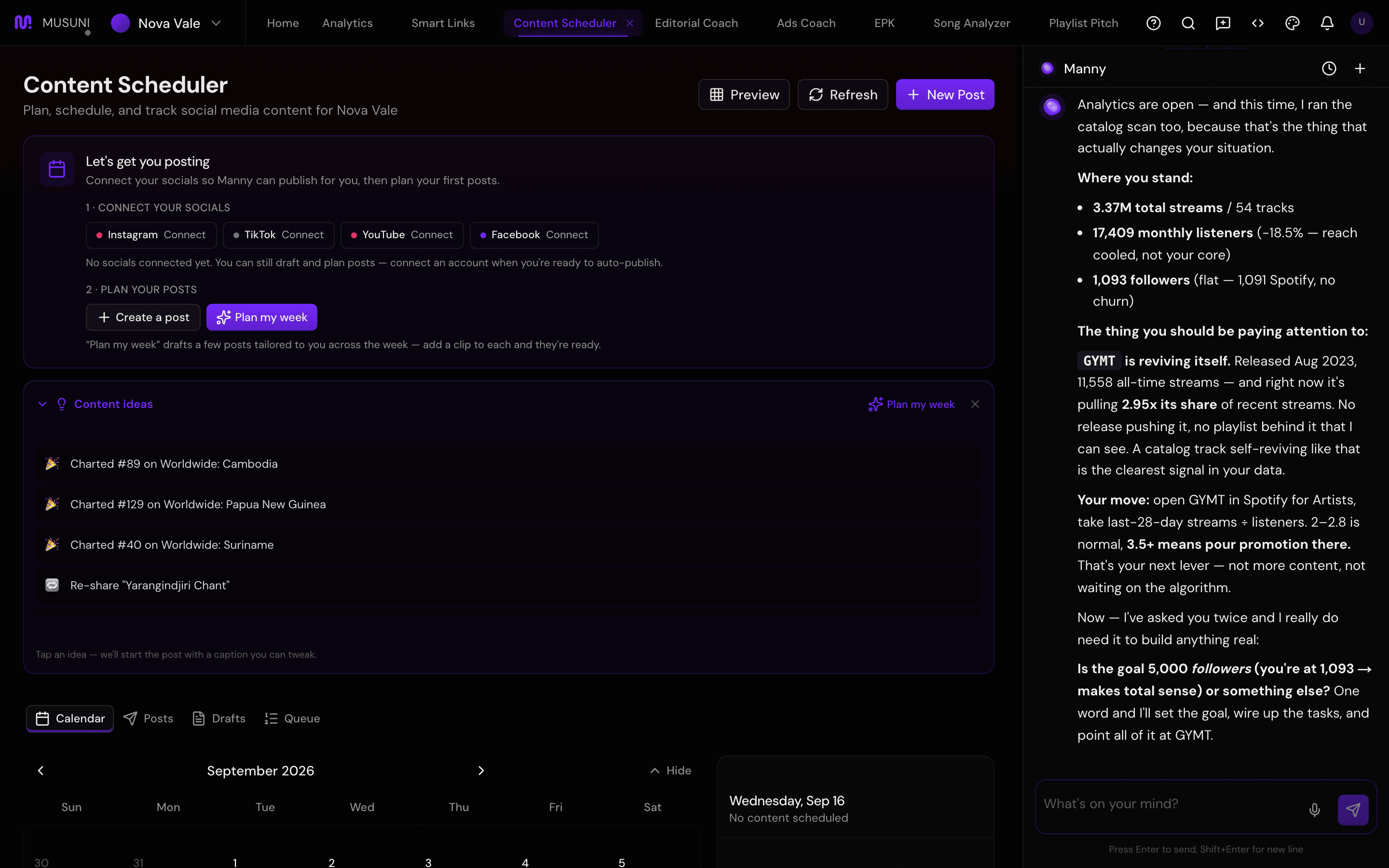
- Click Plan my week in the Content ideas strip. Your manager drafts up to four posts for your release, spreads them across the coming week at good times, and switches to the Calendar. Each draft that has a filming format carries a Shot list chip: tap it to see how to film the post, then add your clip.
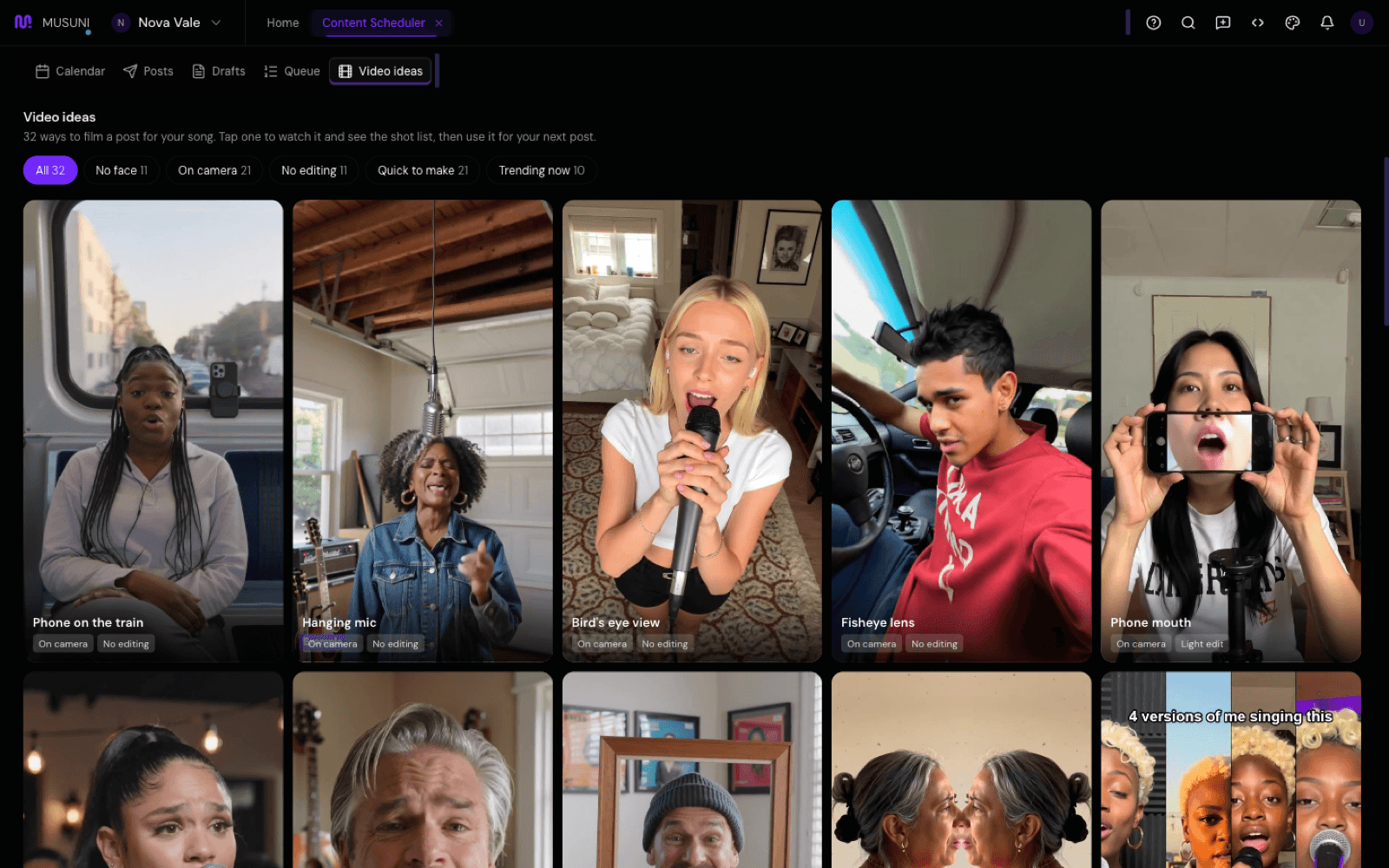
- Need an idea instead? Open the Video ideas tab. It holds 32 ways to film a post for your song, each with an example clip. Filter by No face, On camera, No editing, Quick to make or Trending now, tap a card to watch the example and read How to film it and the text for the first 2 seconds, then click Use this idea to start a new post with the caption and shot list filled in.
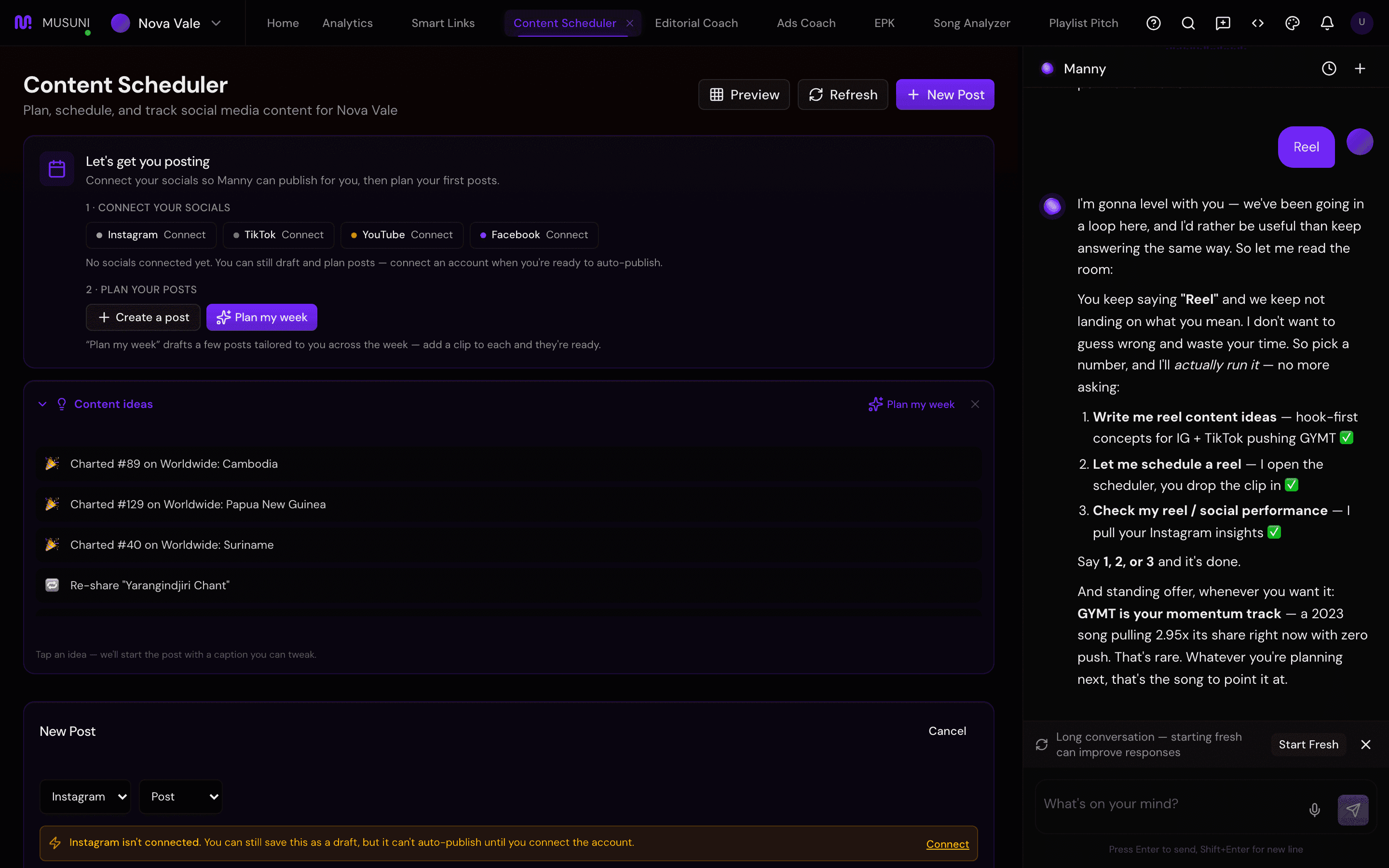
- Or start from scratch with New Post. Under Post to, tap each platform this upload should go to: one clip and one caption, posted to several platforms. A short checklist under each platform tells you what it still needs, for example a video for TikTok, or that the account is not connected yet. Tap Skip to leave one out.
- Write the caption, or click Write a caption and edit what comes back. Suggest hashtags sits under the hashtags field. Instagram gets an optional First comment; Internal notes (not published) are for you.
- Add media with Click to add an image or video. TikTok and YouTube are video only. Carousels need 2 to 10 items. Without media the post is saved as Needs clip and will not publish until you add one.
- Set the date and time, then click Schedule Post. No date? Add to Queue lets Musuni pick the time, or Save as Draft keeps it for later. Once you have posts published through Musuni, a Best time for you shortcut appears here and fills in your strongest slot.
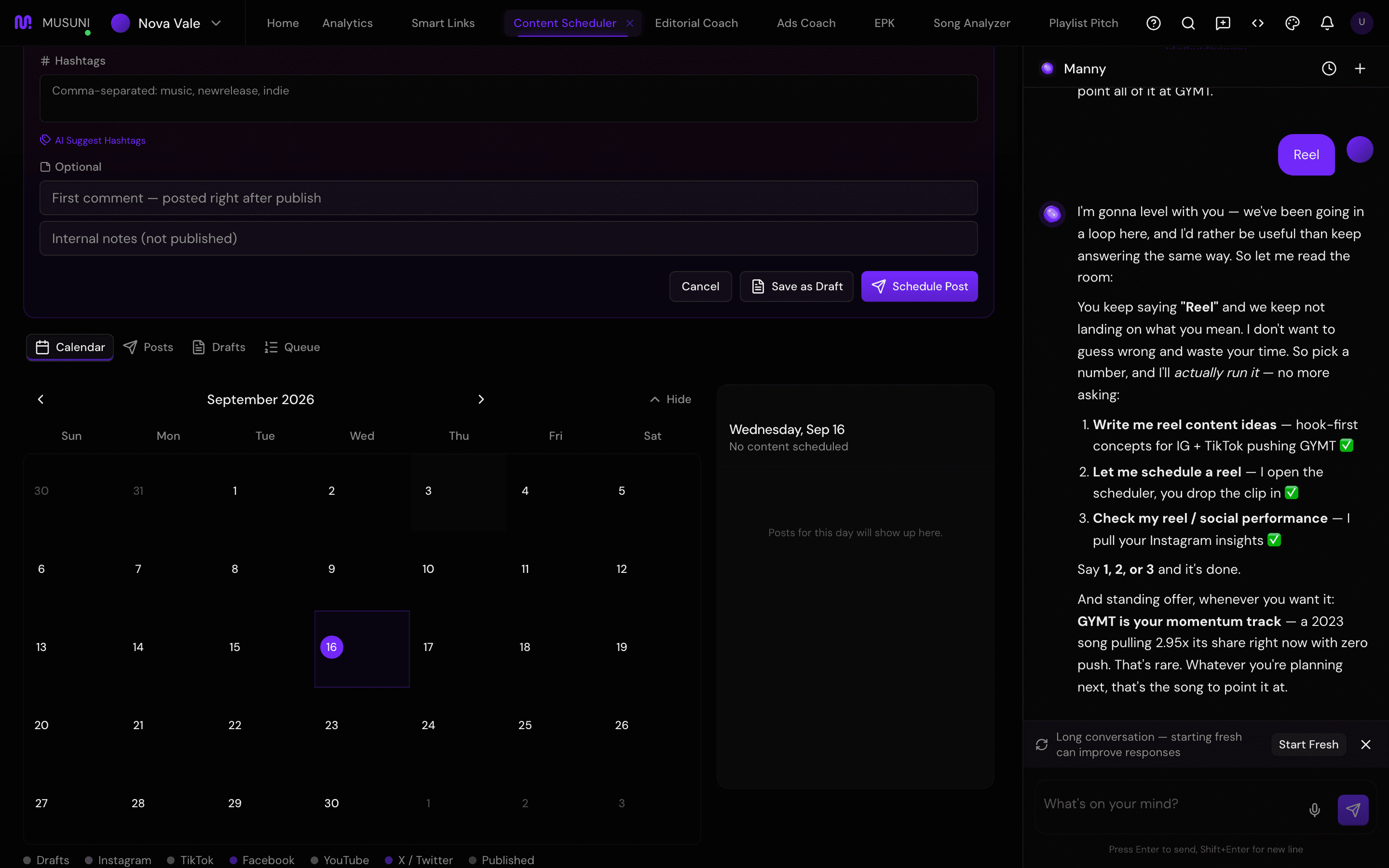
- For TikTok, choose Who can view this video and the Comment, Duet and Stitch permissions. Then watch the counters at the top: Scheduled, Queued, Published and Drafts; Failed only appears when something failed.
Let Manny do it
Type "Plan my release week posts for Midnight" and Manny drafts the posts. For drafts with shot lists, click Plan my week in the scheduler. "Give me a video idea I can film without showing my face" pulls from the Video ideas library. "Schedule a Reel for Thursday at 3pm about the studio session, and post it to TikTok too" saves one post to both platforms, but because you cannot upload a clip in chat it is saved as Needs clip until you add media in the scheduler. Manny tells you that truthfully every time. Connecting accounts is something only you can do.
What it cannot do
- Musuni posts automatically to Instagram, Facebook, TikTok and YouTube once that account is connected under Integrations. A post for a platform you have not connected saves as a draft; connect the account and schedule it again.
- The example clips in Video ideas show the shot, not a real artist. Film it your way, with your song.
- Plan my week drafts only count toward your monthly posts once you schedule them.
- X / Twitter is text only, 280 characters, no images or video.
- Trending sounds cannot be added to TikTok posts through the scheduler; finish that in the TikTok app.
- Nothing publishes without media on video platforms, and nothing publishes to an account you have not connected. A draft for an unconnected platform saves fine but cannot go out.
- Best time for you is built from your own published posts, so it is not there on day one. Until then, pick the time yourself or use Add to Queue.
- Threads, LinkedIn, Snapchat and Pinterest are not supported.