Set up a pre-save and smart link
One short link that works before release day (countdown plus email signup) and after it (one tap to every streaming platform), with clicks you can see.
What this gets you
One link you can put everywhere: bio, posts, DMs, flyers. Before release it counts down and collects fans' emails; on release day the same link sends each fan to the platform they already use.
When to use it
Make it the moment you have a date, so every post between now and release points somewhere. Use a plain release link when the song is already out. Skip pre-save mode for a song with no date yet; you can turn it on later with Edit.
Do it
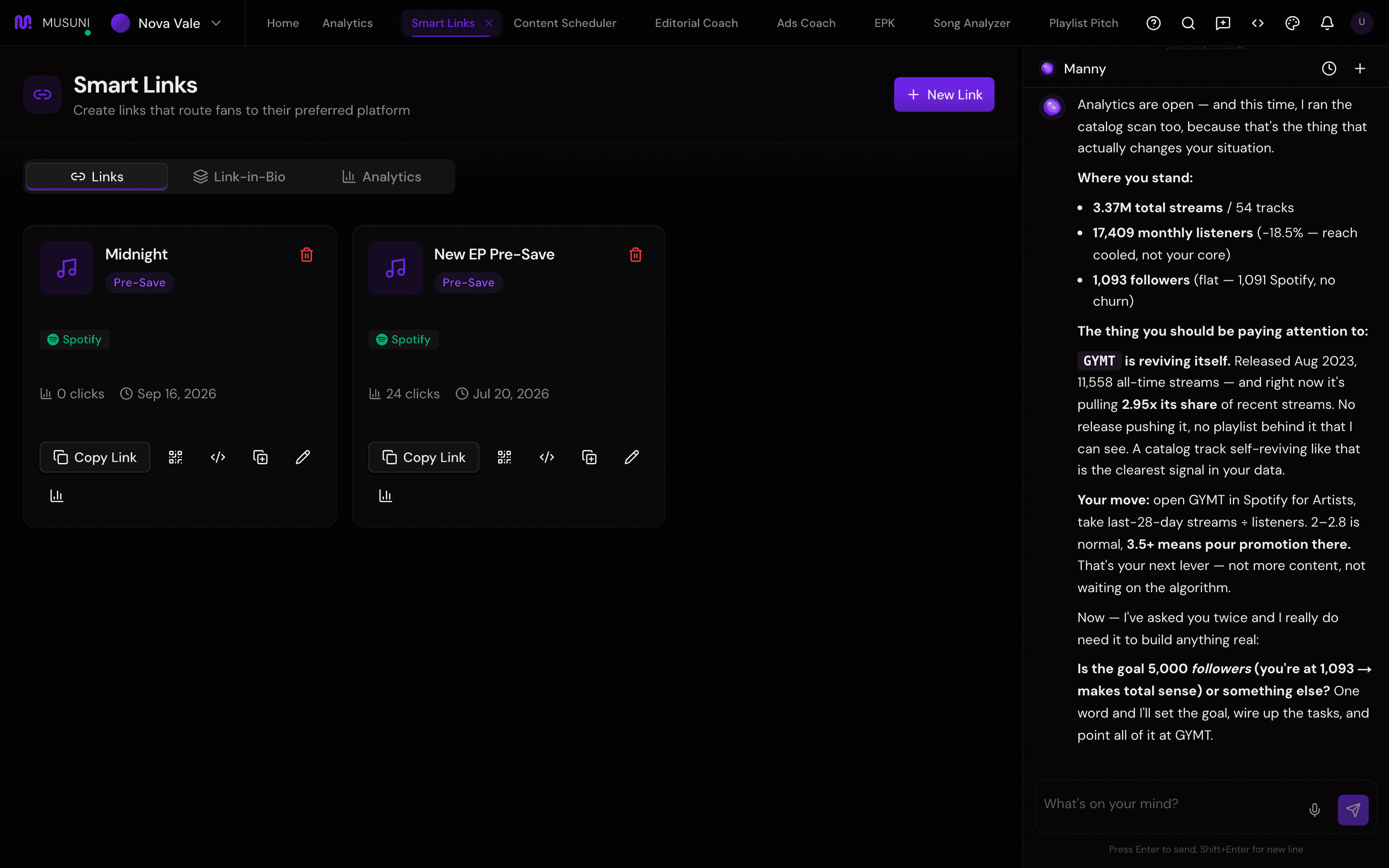
- Open Link in bio (Cmd+K, type "link in bio"; the menu lists it as Smart Links). On the Links tab click New Link. First time here you see three cards instead, New Release, Pre-Save Page and Custom Link; all open the same form.
- In Create Smart Link, type the Title (required), an optional Description such as "Out now on all platforms!", and click Upload under Artwork. Custom Slug (optional) sets the readable part of your artist page address.
- Tick This is a pre-save and set the Release Date. If you see the Email Gate switch, turn it on to ask for an email before the platform buttons show, then optionally set a Gate Message, tick Collect name and Auto-subscribe to newsletter, and write a Thank You Message.
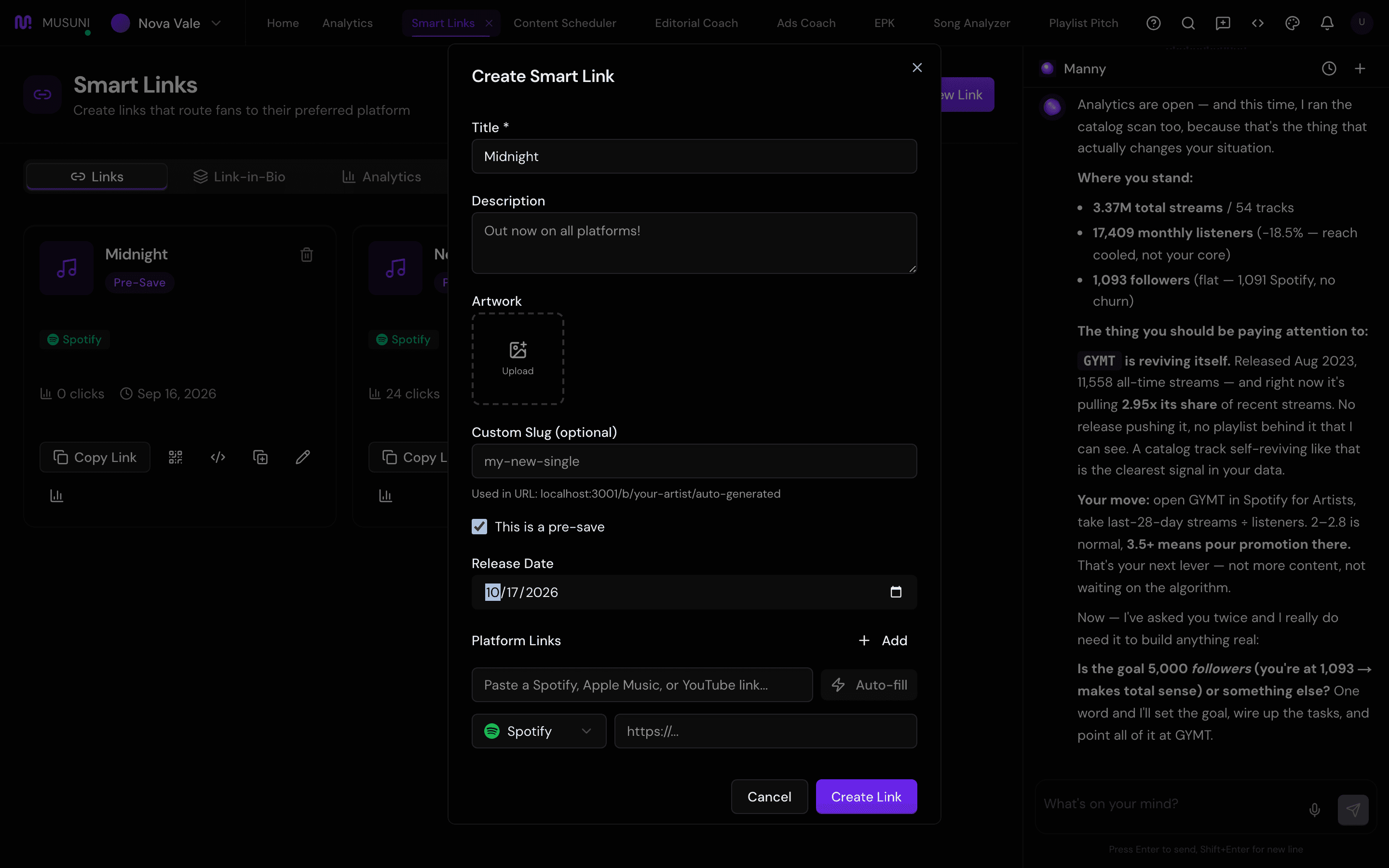
- Under Platform Links, paste a Spotify, Apple Music or YouTube link and click Auto-fill to find the same release on the other platforms. For an unreleased song nothing exists yet, so click Add, choose the platform and paste the URL by hand. If your distributor gave you a real pre-save link, paste it as the Spotify destination.
- Click Create Link.
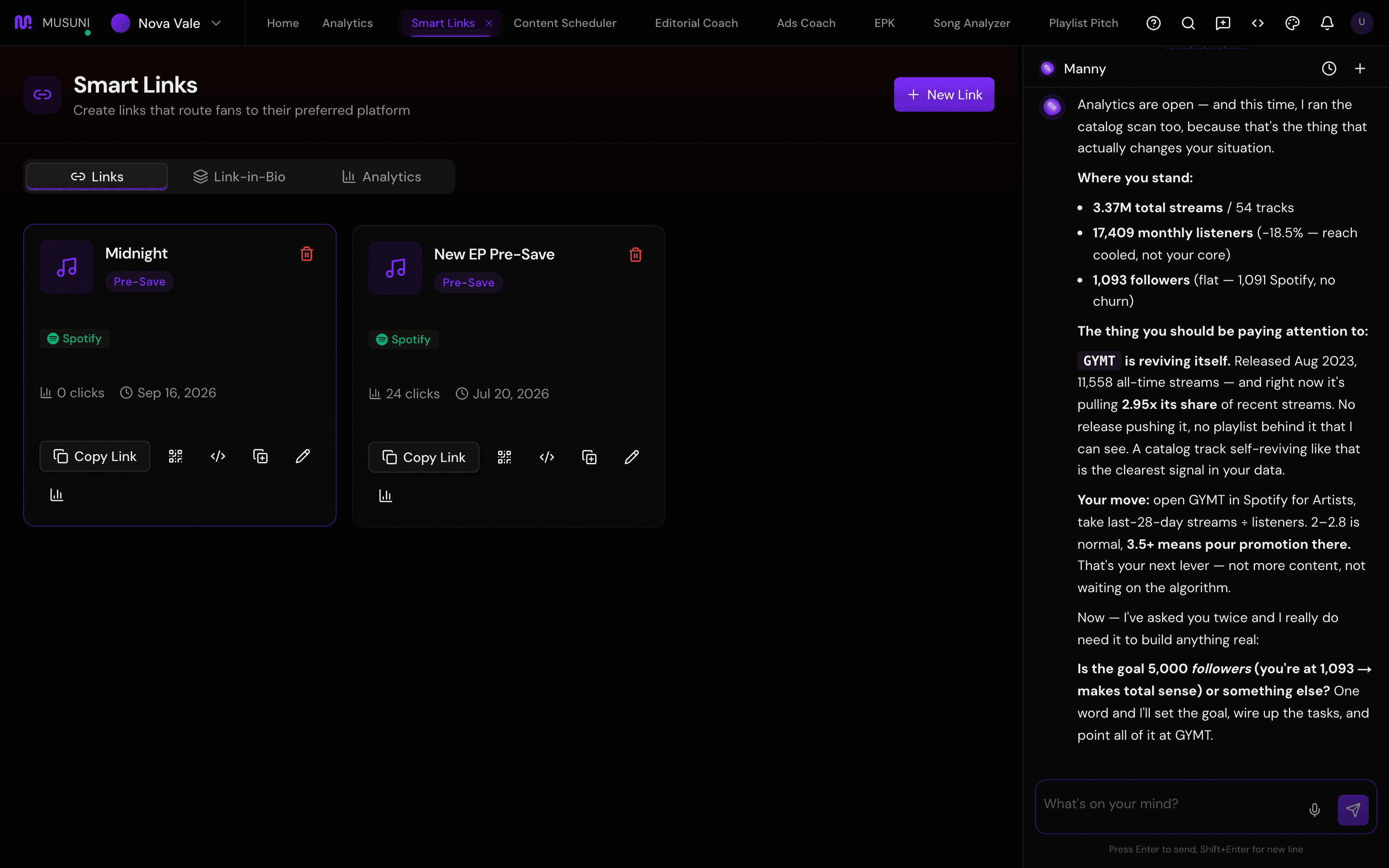
- On the new card click Copy Link. The address is short, like musuni.io/l/abc123. The icons next to it give you a QR Code, an Embed Code, Duplicate and Edit.
- Open the Analytics tab, select the link, and watch Page Views, Total Clicks, Unique Visitors, Pre-Saves and Click-Through. Numbers start with the first open.
- On release day click Edit, untick This is a pre-save, paste the live Spotify link into the Auto-fill box, and click Save Changes. The same short link now sends fans to the song.
Let Manny do it
Type "Make a pre-save page for my single Midnight, out 2026-10-17". Manny creates the link with the title, date and an optional message, and opens Link in bio so you can add artwork and platform links. Manny cannot upload artwork or paste platform URLs for you. "How is my Midnight link doing?" returns clicks by platform, country and device.
What it cannot do
- The pre-save page does not add the song to anyone's Spotify or Apple Music library. It shows a countdown, your platform buttons and the optional email signup. The Pre-Saves number counts fans who left an email, nothing more.
- Only the platforms in the list are supported (Spotify, Apple Music, YouTube Music, Amazon Music, Deezer, Tidal, SoundCloud, Bandcamp, YouTube, TikTok, Pandora, Audiomack). Anything else goes on your link in bio page instead.
- Auto-fill only finds releases that are already live on the platforms.
- The Email Gate section is being rolled out; if you do not see the switch, the page collects no emails yet.
- A link marked Inactive cannot be switched on from here. Create a new one.
- Ads results in Ads Coach need this link to be at least 14 days old to show a "before the ad" baseline.